Why Custom Workflows?
TrueNorth provides several pre-built workflow templates that handle common municipal tasks out of the box, such as transcription and email writing. However, local government administration is rarely one-size-fits-all. Every municipality has its own procedural rules, unique planning guidelines, and local bylaw structures.
For instance, when evaluating a proposed zoning amendment, a planner in Kelowna needs to verify consistency with the Official Community Plan (OCP), while a clerk in Burnaby might need to check alignment with specific heritage conservation rules.
Custom workflows let you define a structured, multi-step process tailored to your specific department. You teach the AI exactly what documents to refer to, what questions to ask, and how to format the outputs.
The Bylaw Impact Analyzer Template
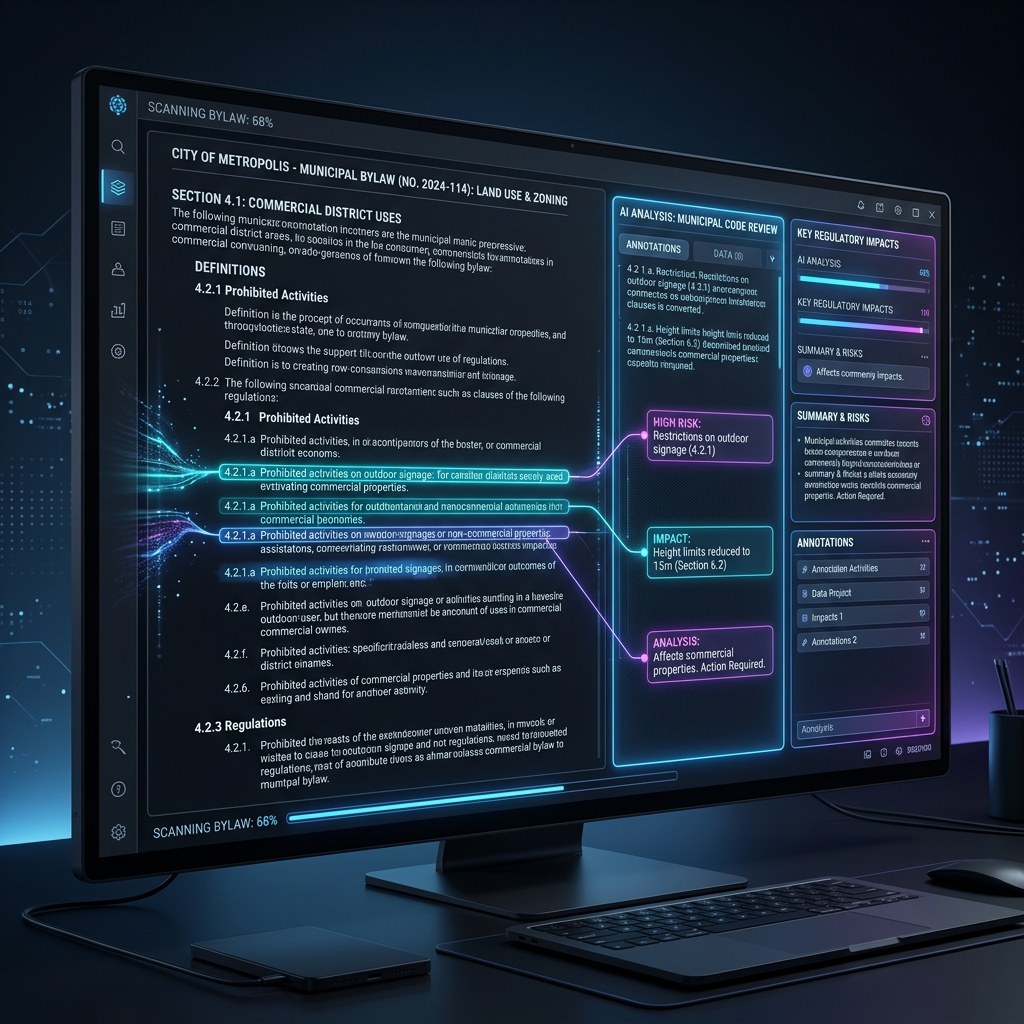
To demonstrate the power of custom workflows, let's look at how we can modify the pre-built **Bylaw Impact Analyzer** template.
Out of the box, the Bylaw Impact Analyzer:
- Accepts a PDF upload of a proposed bylaw amendment.
- Extracts the core regulatory changes.
- Scans existing municipal bylaws to identify potential conflicts, contradictions, or redundancies.
- Produces a draft impact report highlighting legal and operational risks.
This works well for standard bylaws. But what if you want to extend this workflow to automatically draft a formal planning staff report and include a draft public notice copy? That's where building a custom agent comes in.
Step-by-Step: Creating a Custom Workflow
Here is how you can build a customized bylaw and report workflow in TrueNorth using our plain-language workflow builder:
Step 1: Open the Workflow Builder
Log into your TrueNorth dashboard, navigate to the **Workflows** tab in the sidebar, and click the **"Create with AI"** button in the top right.
Step 2: Describe Your Intent
You don't need to write code. Simply write what you want your workflow to do in plain English:
"Analyze proposed zoning bylaw amendments. First, identify conflict points with the current zoning bylaw. Second, pause for review. Third, draft a planning staff report in a standard council-facing format. Fourth, draft a public hearing notice matching BC Local Government Act requirements."
Step 3: Review AI-Generated Steps
The TrueNorth builder will analyze your request and generate a 4-step workflow map:
- Step 1 (Document Processor): Extract text from uploaded bylaw amendment PDF.
- Step 2 (Analysis Engine): Compare extracted text against the referenced zoning bylaws in your Project Folder.
- Step 3 (Human Gate): A review screen showing identified conflicts.
- Step 4 (Document Generator): Outputs a planning staff report draft and public notice text.
Step 4: Configure Reference Documents
Under the **Project Context** panel, upload your current Official Community Plan and main zoning bylaw. The custom agent will restrict its search to these files, eliminating "hallucinations" and ensuring accuracy.
Step 5: Test and Save
Upload a sample zoning amendment to run a dry-test of the workflow. Review the generated planning report. If the tone is too casual, adjust the prompt instruction to: "Maintain a formal, objective tone suitable for a public council record." Once satisfied, click **"Save Workflow Template."**
Best Practices for Municipal Workflows
When building custom AI agents for public administration, keep these rules in mind to maintain professional standards:
- Always Include Human Gates: Never let an AI workflow execute entirely from input to final output without a human review step. A human must verify statutory compliance and factual accuracy.
- Ground the Context: Don't let the AI search the open web for bylaws. Always restrict its context to specific PDFs of your local bylaws.
- Explicit Formatting Rules: Tell the AI exactly how to structure outputs. (e.g., "Format using standard H2 and H3 headings. Use bullet lists for lists of actions. Follow Robert's Rules for motion formatting.")
- PII Protection: Ensure the Data Loss Prevention (DLP) scanner is toggled on to automatically flag names, phone numbers, and addresses.
Try It Yourself
Building custom workflow agents is a Pro feature in TrueNorth. Upgrade to Pro for $15/month to unlock the Custom Workflow Builder, or start with our Free plan to test-drive pre-built templates.